Position Masterfile
Relations on Positions
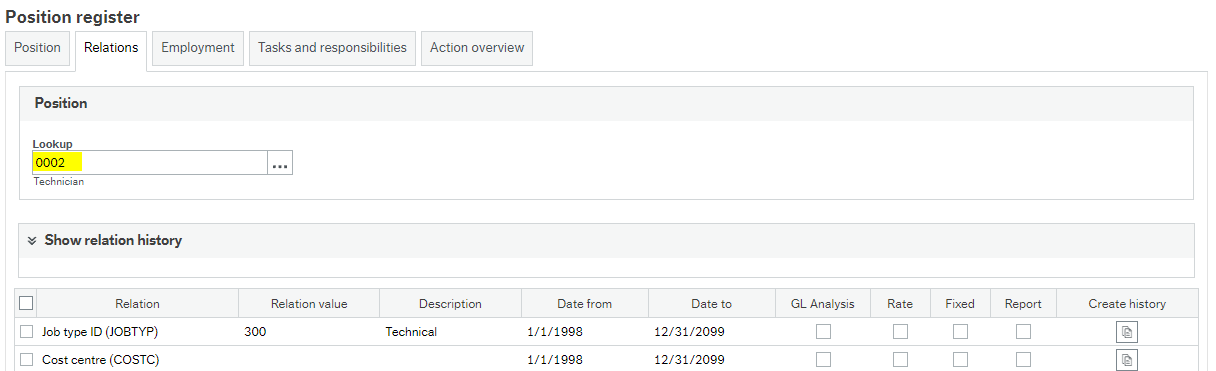
When we set the relations for the positions to be populated on the employments automatically, we can initially set these relations as By Default, as follows:
Position register
Employments
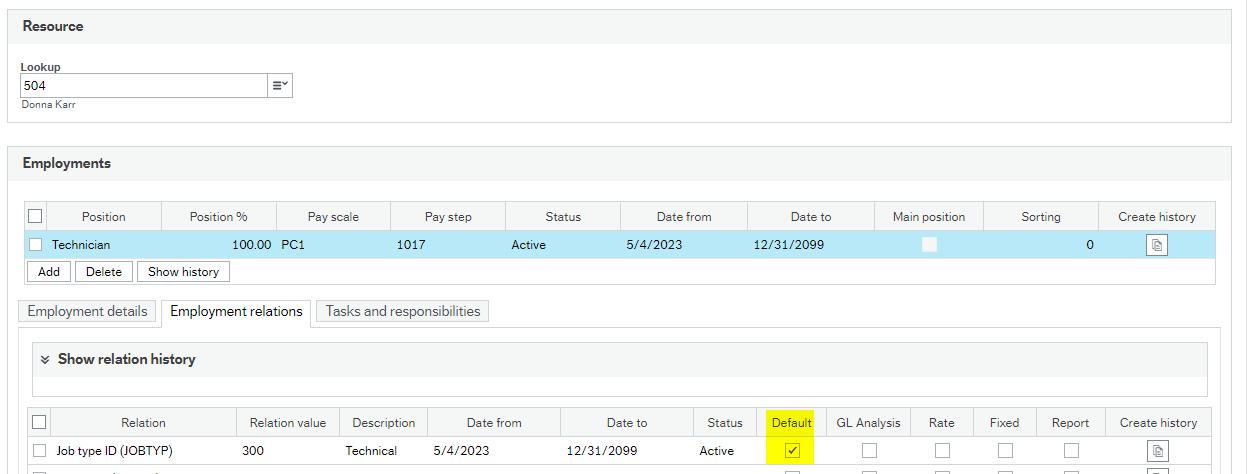
However, it may be that we insert a new relational value and check it as default. Currently, the system throws the following validation message:

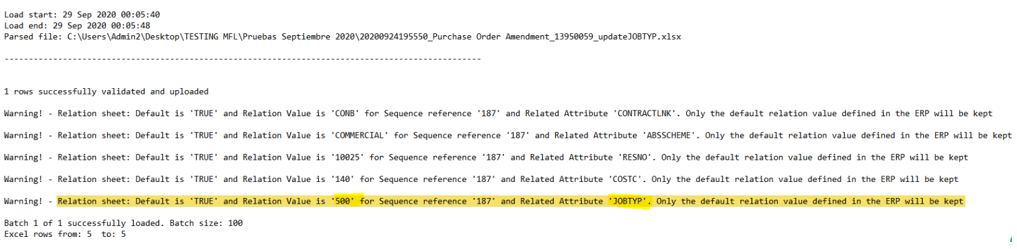
Since GCON4MFL can not choose between Yes or Not option, the app selects Yes always and due to this, we have incorporated a warning in the resulting log, to advice that the new value that we attempted to set as default will not be kept, but the value that is inherited from the Position is:
Update Position Relations
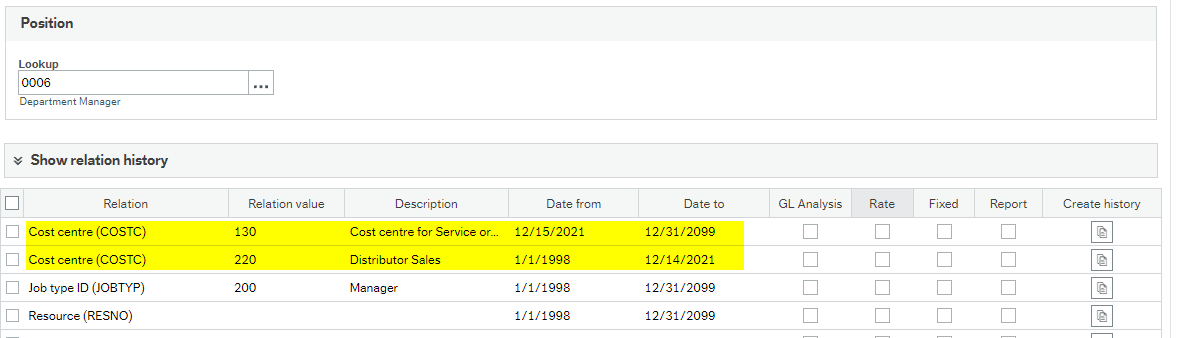
Retrieve values for position 0006
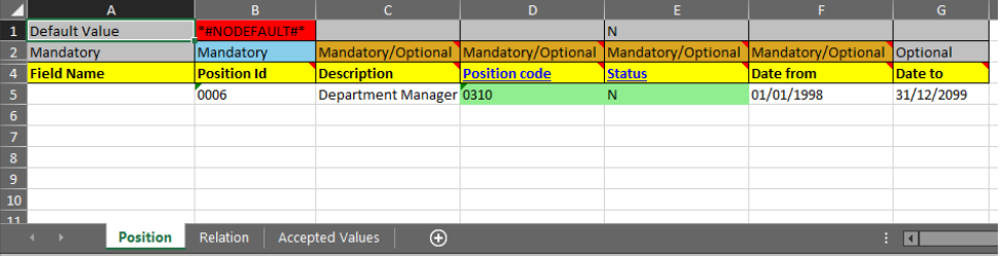

Add new relation values with a new date range.
We need to add a new relation value for Cost with the relevant period range: Costc 130 Date from 15/12/2021, date to 31/12/2099

First, we need to close the period for value 220 (to add a new row with the new value and period range). Please note the line number must be incremented for this relation.
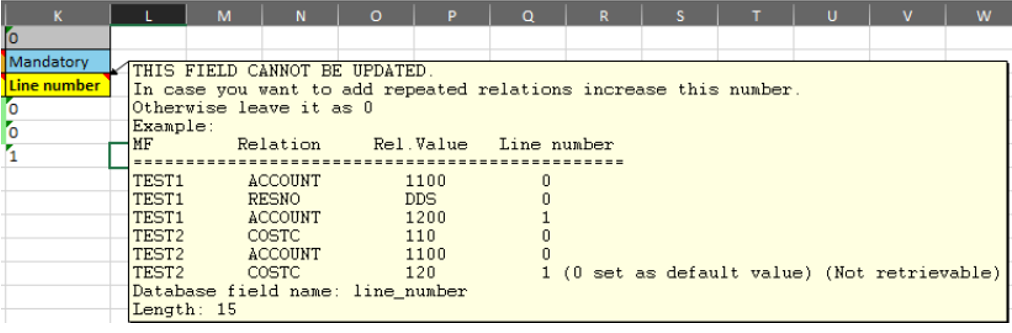
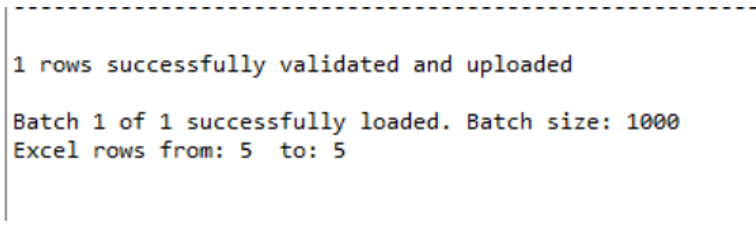
Posno-Posno mandatory relation in aprposrelvalue table
Scenario: Autonumbering for Posno Attribute is active and manual option is checked
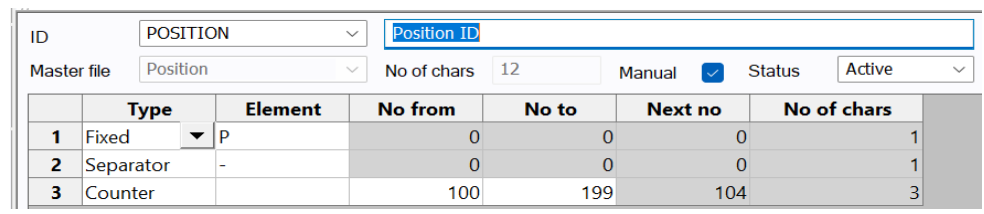
We have the following relation configuration on Posno:
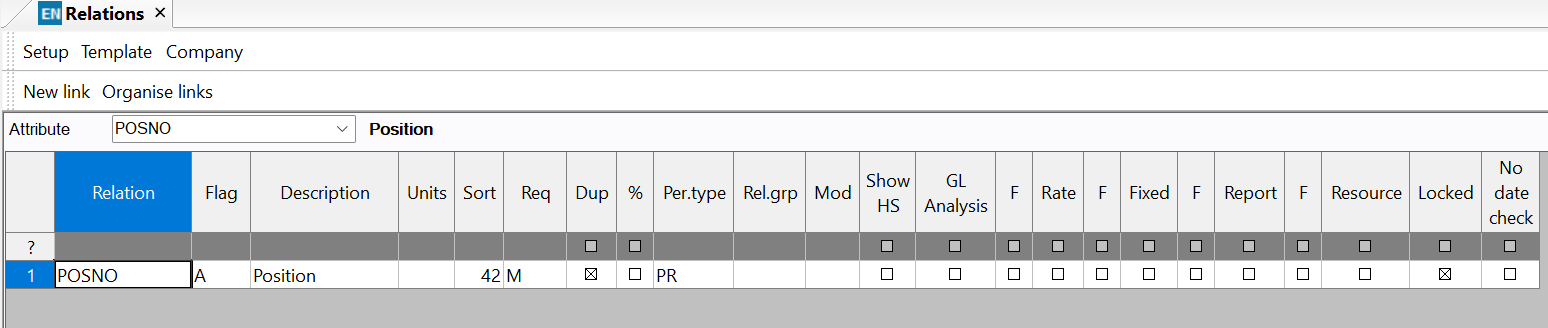
Since the requirment is "Mandatory", it is needed to enter this relation in the MFL template. IF you need that the same Position ID is allocated in the relation tab, bear in mind to enter the same ID as the position ID to allow the system assignate the relevant ID based on the autonumbering setup.

See the results in the aprposrelvalue table. No duplicates were created.

If you need to see the excel template with the updated position ID, go to data export folder.
